What Does ORA-01089 Mean?
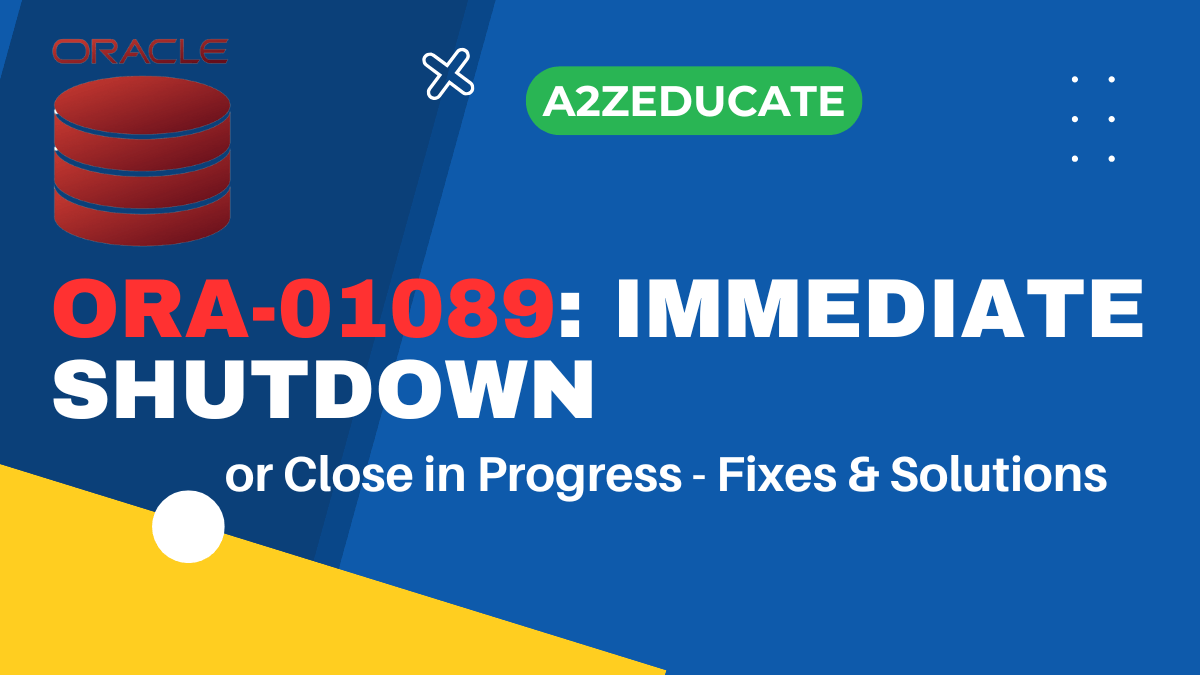
The ORA-01089 error in Oracle occurs when an immediate shutdown or close operation is in progress, preventing any further database transactions or queries. This is a safety measure to ensure that all operations are halted before shutting down the database instance.
Common Causes of ORA-01089
The error message “ORA-01089: immediate shutdown or close in progress – no operations are permitted” is an Oracle error message indicating that the database instance is in the process of being shut down or closed and no operations are allowed until the shutdown is complete.
- Database Shutdown Initiated – The database is being shut down using commands like
SHUTDOWN IMMEDIATEorSHUTDOWN ABORT. - Instance Crash or Restart – The database instance might be in the process of restarting.
- User Sessions Being Terminated – Active user connections are being closed as part of the shutdown process.

When Does ORA-01089 Occur?
You might encounter ORA-01089 in various scenarios, such as:
- Executing the SHUTDOWN IMMEDIATE command.
- Performing a SHUTDOWN ABORT operation.
- Running automated maintenance scripts that restart the database.
How to Fix ORA-01089
To resolve this issue, you should wait for the shutdown to complete and try again later. If the problem persists then you should have to act like below
- you should check the alert log and trace files for any errors that might have occurred during the shutdown process.
- You can also try restarting the database instance to see if that resolves the issue.
- If the problem persists even after restarting the database then you have to perform as following
1- Connect Database server with sys user
PS C:\Users\Administrator> sqlplus system/password as sysdba2- verify database status
SQL> select status, database_status from v$instance;3- Restart the Database
If the shutdown is stuck, you may need to restart it manually:
STARTUP;4- Check for Active Sessions
Ensure no user processes are interfering with the shutdown by querying:
SELECT * FROM V$SESSION;5- Kill Hanging Sessions
Identify and terminate problematic sessions using:
SELECT SID, SERIAL# FROM V$SESSION WHERE STATUS='ACTIVE';
ALTER SYSTEM KILL SESSION 'sid,serial#';
6- Check Alert Logs
Monitor Oracle alert logs for further details:
tail -f /path/to/alert.log7- Force Shutdown (if necessary)
If the shutdown is taking too long, try:
SHUTDOWN ABORT;
STARTUP;
shutdown abort the Instance then start it up again as follows. Once instance is started up, run shutdown immediate and startup again.
If the problem persists even after restarting the database, you may need to contact your database administrator or Oracle support for further assistance.
Best Practices for Oracle Database Management
- Regularly back up your database.
- Monitor database performance metrics.
- Apply Oracle patches and updates.
Preventive Measures to Avoid ORA-01089
- Schedule maintenance during non-peak hours.
- Ensure proper user notifications before shutting down.
- Use SHUTDOWN NORMAL to avoid lingering processes.
1- What is ORA-01089?
ORA-01089 is an Oracle error indicating that an immediate shutdown or close operation is in progress.
2- How do I fix ORA-01089?
Restart the database using STARTUP or wait for the shutdown process to complete.
3- Why does ORA-01089 occur?
It happens when an administrator issues a shutdown command or a maintenance process is running.
4- Can ORA-01089 lead to data loss?
No, unless an abnormal shutdown disrupts transactions.
5- How can I prevent ORA-01089?
Use controlled shutdown procedures and notify users in advance.
6- Is ORA-01089 a critical issue?
It depends. If it’s an expected shutdown, it’s normal. If unexpected, immediate troubleshooting is needed.
Conclusion
The ORA-01089 error is a normal response to an ongoing database shutdown. If encountered unexpectedly, check the shutdown process, database status, and active sessions before performing a manual restart. If issues persist, consult your DBA or Oracle support.
Read More
How To Export/Import Oracle schema on AWS RDS through Data pump Utility


![How to Set Up Mail Forwarding in Procmail on Ubuntu? [Step-by-Step Guide]](https://a2zeducate.com/wp-content/uploads/2025/03/Procmail-on-Ubuntu-1-150x150.png)